
Build a Simple Visitor Management App with Power Apps

Managing visitors effectively is important for any organisation. To make this process smoother, I created a demo Visitor Management Application using Power Apps Canvas and SharePoint as the backend. This app is lightweight, easy to extend, and can be downloaded and customised by anyone.
Features of the App
Admin Panel: View all visitors and their visits in one place.
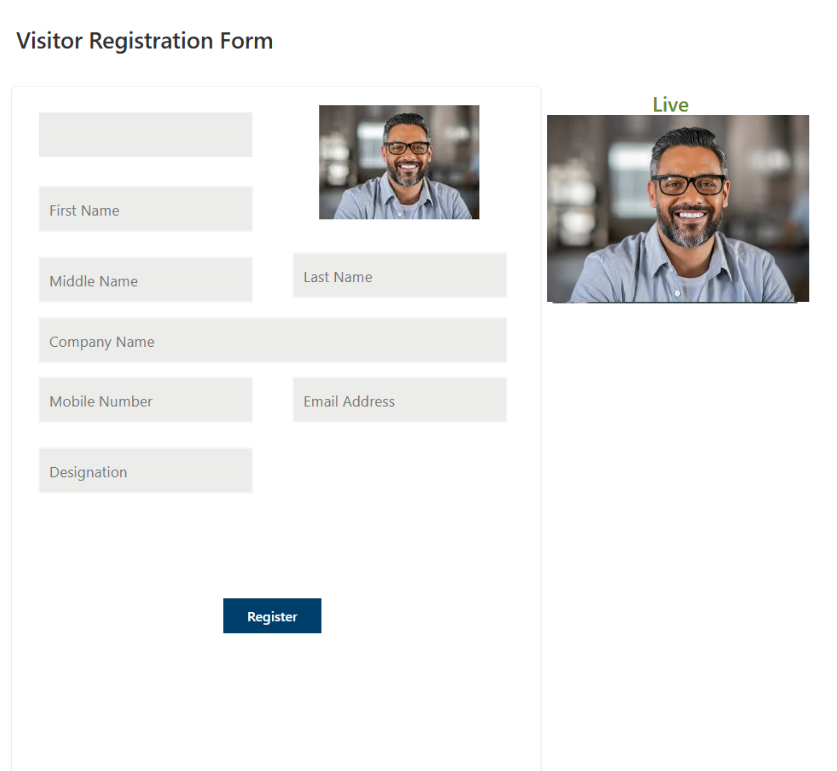
Self-Registration: First-time visitors can register themselves easily.
Self Check-In: Returning visitors can check in without hassle.
Badge Printout: Generate and print visitor badges instantly.
Approval Workflow: Helpdesk/Admin can approve or reject new visitor registrations.
History Tracking: Maintain a record of all visits and visitor details.



How the Flow Works
The process starts when a visitor arrives. If it’s their first time, they go through self-registration. Once details are submitted, the help desk approves or rejects the entry. Returning visitors can use self-check-in, print badges, attend their meeting, and hand over the badge upon departure.
This ensures a simple yet controlled visitor experience. Below is the diagram

SharePoint Schema Information


Power Apps Canvas Application
Disclaimer
This is a demo application only. It is provided as a starting point for learning and experimentation only, not designed for production use.


Comments